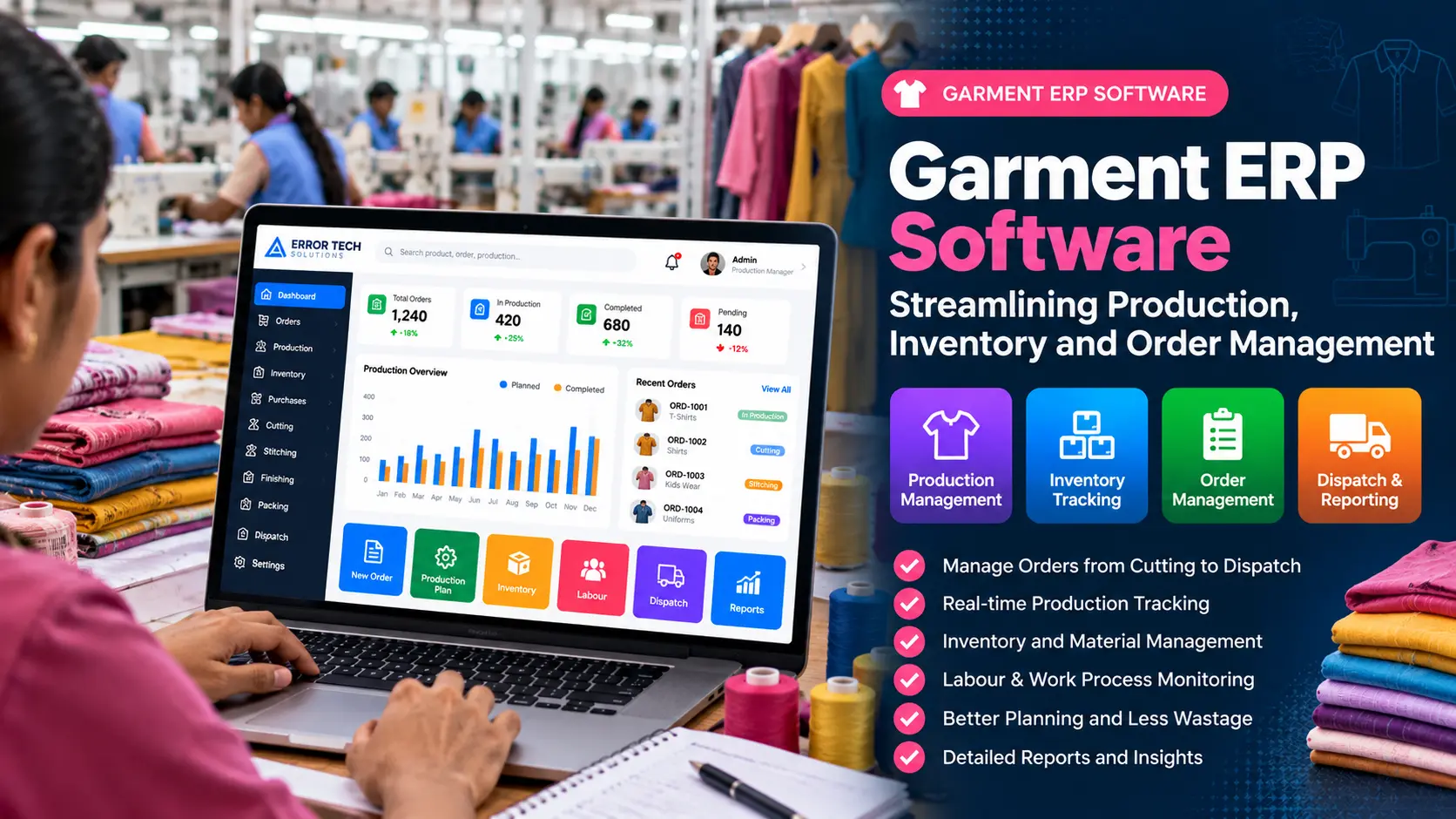
Garment manufacturing involves several connected activities, from receiving customer orders and planning production to managing fabric, trims, cutting, stitching, finishing, packing and dispatch. When each stage is tracked in separate registers or spreadsheets, teams may struggle to get a clear picture of order status, material availability and production progress.
Garment ERP software brings key operational information into a connected system. Depending on the factory’s requirements, it can help teams record orders, plan production, track work in progress, manage stock and review reports from one place.
What Is Garment ERP Software?
Garment ERP is an enterprise resource planning solution configured for apparel manufacturing and related workflows. It can combine business processes such as order management, material purchasing, inventory, production planning, job tracking, quality checks, packing and dispatch.
The exact modules vary by manufacturer. A small unit producing a limited range of garments may need order tracking and stock control first, while a larger operation may require multiple production stages, subcontractor tracking, approvals, branch-wise stock and detailed reporting.
Why Garment Manufacturers Need Connected Software
Garment orders often include different styles, sizes, colours, quantities, delivery dates and material requirements. Production may pass through several departments, and delays in one stage can affect the next. If teams update information at different times or use different formats, managers may not know which orders are ready, which materials are short or where work is waiting.
A well-planned ERP workflow can make these handovers easier to track. It does not remove the need for good processes or accurate data, but it gives teams a shared view of recorded activity and outstanding work.
Key Features of Garment ERP Software
1. Order and Style Management
Record customer orders, style details, size and colour breakdowns, quantities, delivery dates and order status. Keeping these details together helps production and stores teams refer to the same order information.
2. Production Planning and Scheduling
Plan production based on order quantities, required delivery dates, available capacity and the stages involved. Production schedules can help supervisors prioritise work and identify orders that need attention.
3. Cutting Management
Track cutting plans, fabric issued, bundles created and quantities passed to the next stage. Recording cut quantities and material usage can help teams compare planned and actual consumption.
4. Stitching and Work-in-Progress Tracking
Monitor quantities issued to stitching, completed quantities, pending work and rejected pieces where applicable. Stage-wise updates help managers understand where an order is progressing or waiting.
5. Finishing and Quality Control
Record finishing activities, inspection results, rework and accepted quantities. A defined workflow helps teams document quality checks before goods move to packing.
6. Fabric, Trims and Inventory Management
Track fabric, thread, buttons, labels, packaging materials and other stock items. Depending on the setup, the system can record receipts, issues, returns, adjustments and transfers between stores or locations.
7. Purchase and Supplier Tracking
Manage purchase requests, purchase orders, supplier details, receipts and pending materials. This can help purchasing teams follow shortages and coordinate material availability with production requirements.
8. Packing and Dispatch
Record packed quantities, carton details, order-wise packing progress and dispatch information. These records can help teams check what is ready to ship and what remains pending.
9. Reports and Dashboards
Use dashboards and reports to review order status, stage-wise output, pending quantities, stock levels, material consumption and dispatch progress. Useful reports should be based on reliable entries and reflect the way the factory works.
How Garment ERP Connects the Production Workflow
- Order booking: Record the customer order, style, quantity and delivery requirements.
- Material planning: Check fabric and trim requirements against available stock and purchase needs.
- Cutting: Record material issue, cut quantities and bundles sent forward.
- Stitching: Update received, completed and pending quantities.
- Finishing and inspection: Record finishing progress, quality results and rework where needed.
- Packing: Track packed quantities and order-wise packing status.
- Dispatch: Record shipment details and close or update the order status.
When these steps are connected, managers can follow the flow of an order without relying only on verbal updates. The level of detail should be practical for the factory and its staff.
Benefits of Garment ERP for Manufacturers
- Better order visibility: Review the recorded status of orders and production stages.
- Improved stock control: Track receipts, issues and balances for key materials.
- Clearer production handovers: Document quantities moving between departments.
- More organised purchasing: Identify recorded material shortages and pending receipts.
- Useful operational reports: Compare planned work with recorded progress.
- Consistent records: Reduce dependence on disconnected files when staff update the system correctly.
Custom Garment ERP vs. Generic Business Software
Generic inventory or accounting software may be enough for a business with straightforward requirements. Garment manufacturers with style-wise size and colour breakdowns, cutting bundles, stitching stages, job work, quality checks and packing workflows may need more specialised features.
Before selecting a solution, map your actual order journey and list the reports supervisors use every day. A customised ERP can be designed around those workflows, but the scope, implementation effort, integrations and training requirements should be agreed in advance.
How to Choose Garment ERP Software
- List your production stages from order booking through dispatch.
- Identify the information each department must enter and view.
- Confirm support for style, size, colour and order-wise tracking if required.
- Check fabric, trims, stores, purchase and stock movement workflows.
- Review the reports managers need, including pending and completed quantities.
- Ask how user permissions, backups, data migration and support are handled.
- Test the workflow using a representative order before full rollout.
- Plan staff training and a phased implementation where appropriate.
Common Implementation Mistakes to Avoid
- Starting software setup before documenting the existing workflow.
- Trying to automate every process in the first release.
- Using inconsistent item names, units or style codes.
- Not assigning clear responsibility for updates at each production stage.
- Ignoring training, testing and feedback from floor supervisors.
- Expecting accurate reports without timely and accurate data entry.
Garment ERP Software for Businesses in Coimbatore and Tamil Nadu
Garment and textile businesses may have different production models, from small manufacturing units to multi-stage operations with external job workers. Software should match the actual process, terminology and reporting needs of the business rather than force every unit into the same workflow.
Error Tech Solutions develops customised software and ERP solutions. If you are reviewing production, inventory or order management processes, explore our software development services to discuss a solution suited to your requirements.
Frequently Asked Questions
What does garment ERP software manage?
Depending on the implementation, it can manage orders, production planning, cutting, stitching, finishing, inventory, purchasing, packing, dispatch and reports.
Can garment ERP track production stage by stage?
Yes, when the system is configured for the factory’s workflow and users record quantities as work moves through each stage.
Is garment ERP useful for small manufacturers?
It can be useful when order tracking, material control and production records are becoming difficult to manage manually. The initial scope should fit the size and needs of the business.
Can garment ERP be customised?
Customisation may be possible for specific production stages, reports, approvals, user roles and integrations. Requirements should be documented and prioritised before development.
How long does ERP implementation take?
Timing depends on the number of modules, complexity of workflows, data migration, integrations, testing and staff readiness. A realistic schedule should be agreed after requirements are reviewed.
Looking for Custom Garment ERP Software?
Error Tech Solutions can discuss software requirements for production tracking, inventory, order management and business reporting. The right scope depends on your current workflow and priorities.
Explore our Software Development services or contact our team to discuss your requirements.
Planning to Streamline Garment Production?
Tell us about your order process, production stages and reporting needs. We can discuss a suitable software approach for your business.
Contact Error Tech Solutions